The same sales questions after hours
A home solar installer in Tampa gets website visitors at 10 p.m. asking how installation works and whether financing is available. The form says “we’ll call you tomorrow.”
Interactive AI avatars and AI spokesperson videos that sell, train and support
We build conversational AI avatars that answer your customers’ and employees’ questions out loud, using content you’ve approved, and we produce AI spokesperson videos from your scripts in English and Spanish. Every avatar starts with the presenter’s written consent and tells viewers up front that they’re watching AI.

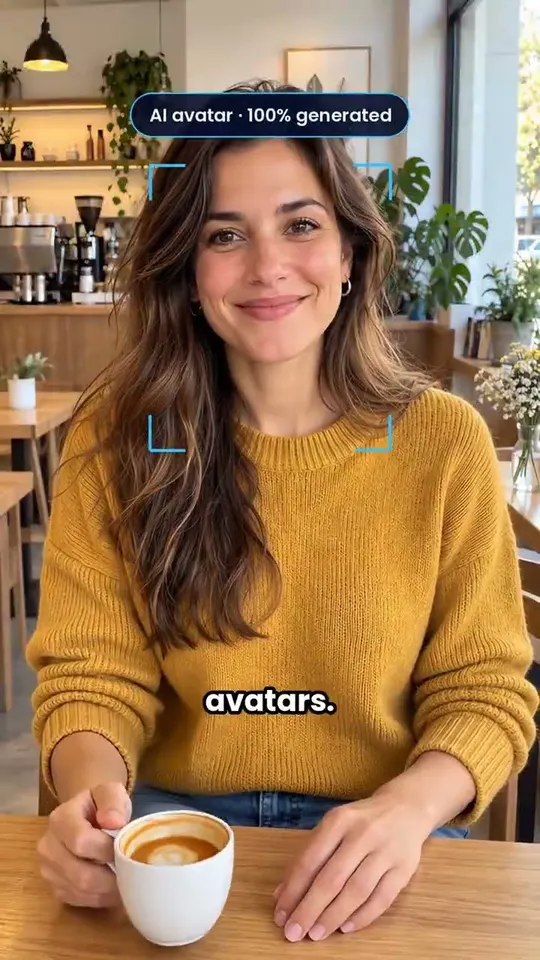
Ads, product presentations and social media videos made with AI avatars and AI voices. Click any of them to play it.
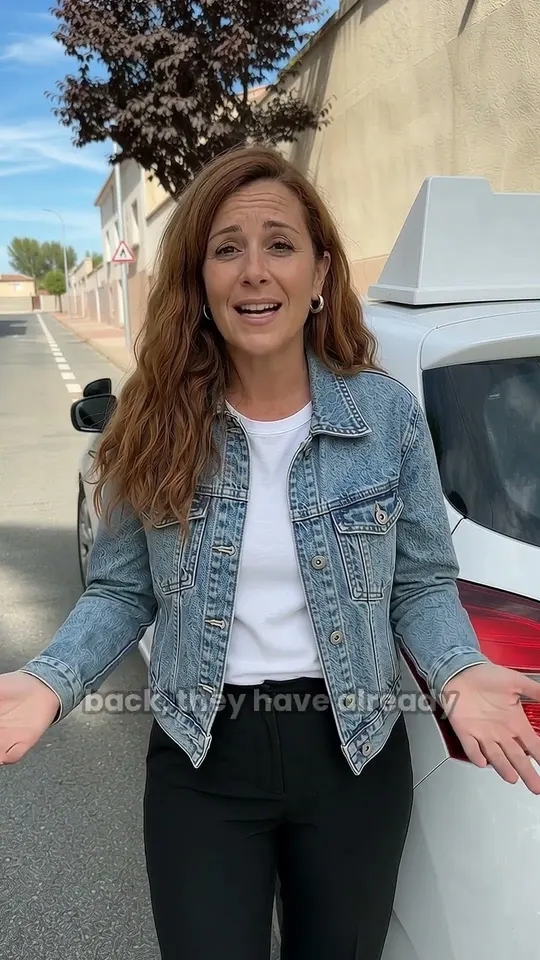
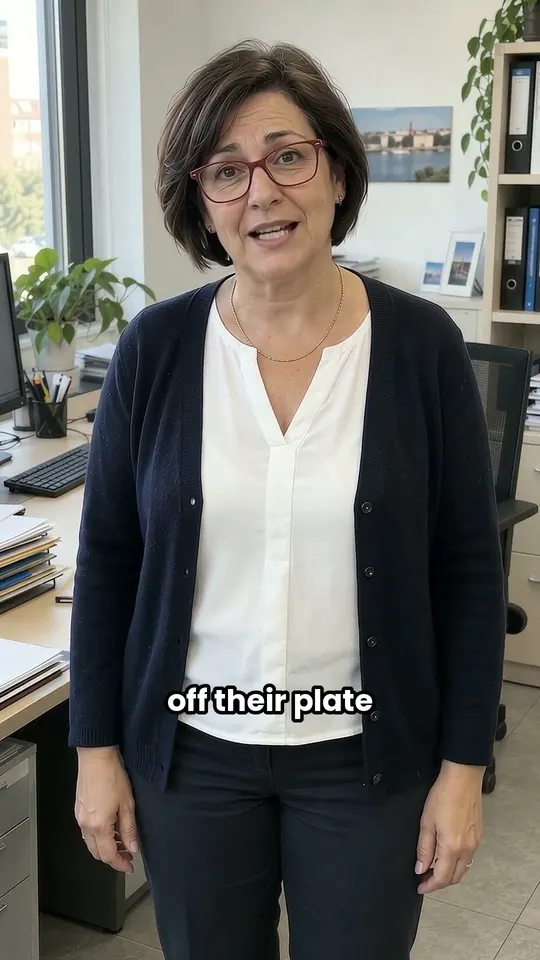
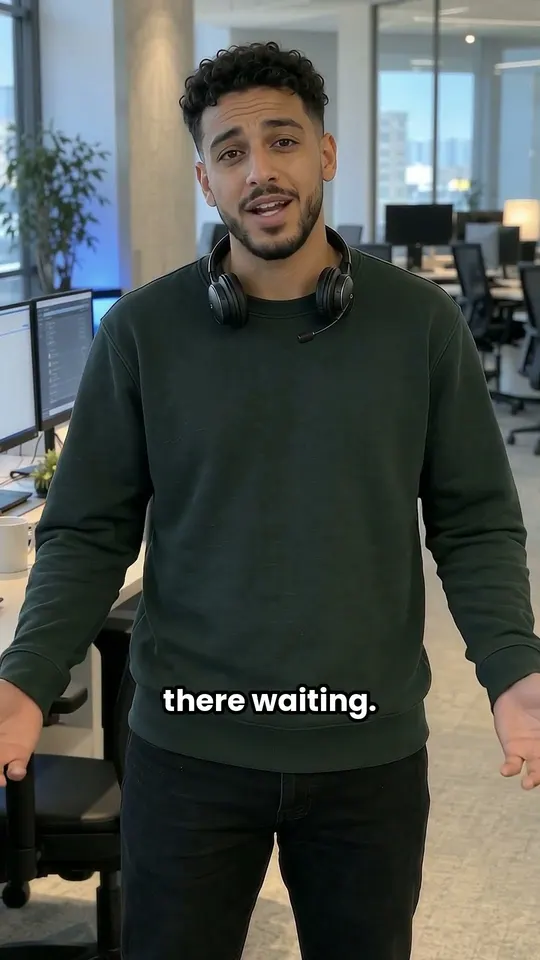

Videos load from YouTube in privacy-enhanced mode, and only when you press play.
Pay online, and within 48 business hours we’ll contact you to prepare the scripts and start production.
We create your digital double from a short recording: your look, your gestures and your cloned voice, always with your written consent. It’s the base we use to produce every video in your packs.
Then you choose the video pack you need, now or later.
I want my avatarA simulated production run: the script, your avatar, the cloned voice, the languages and the export formats you get.
30-second script, ready for you to approve
Your avatar, ready to present any script
Your voice, reading any text naturally
One script, five languages, the same voice: English, Spanish, French, German, Italian.
Four formats, ready to publish: 9:16 Reels and TikTok, 16:9 YouTube and web, 1:1 Social feed, MP4 Training platform.
Illustrative example Fictional business, people and data. Not a real client, conversation or result.
Most companies already know what to say. The hard part is saying it over and over, in two languages, at hours when nobody’s around, and keeping every recording current.
A home solar installer in Tampa gets website visitors at 10 p.m. asking how installation works and whether financing is available. The form says “we’ll call you tomorrow.”
A roofing company in Dallas filmed its safety orientation two years ago. The procedure has changed since, and a reshoot means a crew, a full day and a budget nobody signed off on.
An insurance agency in Phoenix has one bilingual agent. Every Spanish question waits in line behind that one person, while English questions get answered right away.
A conversational AI avatar listens to a question, finds the answer in content you’ve approved and says it on screen with captions. Pick a use case below (sales, staff training or customer support) for a sample home solar installer in Tampa, then choose a question. In production, if the avatar can’t find the answer in approved content, it says so and offers to connect a person.
Illustrative example Fictional business, people and data. Not a real client, conversation or result.
AI avatars pay off where a person on screen makes information easier to trust or follow, and where the same explanation gets repeated many times. These are the five uses people ask us about most.
On a product or landing page, the avatar explains how your service works, handles common objections using approved material and offers to book a call or hand off to a rep. It’s a natural fit with AI sales agents that qualify and book leads.
Short AI training videos on procedures, tools and policies that you update by editing a script, plus interactive role-play where staff can practice a sales call or a tough customer conversation. For the people side of rolling out AI, see our AI training for employees.
A consistent onboarding guide that greets new employees or customers, walks them through the first steps and answers their questions from your handbook or help center, any time of day and as often as they need.
A support avatar walks customers through common fixes, setup steps and policies, points to the help article it used and opens a ticket or brings in a person when the case calls for one. It’s built on the same foundation as our AI customer support agents.
The same avatar presents in English and Spanish, with scripts adapted by native speakers instead of translated word for word, and with names and product terms pronounced correctly. Interactive avatars reply in whatever language the viewer uses, out of the ones you turn on.
Choose how many videos you need and in how many languages. Adjust the shoot assumptions to the quotes you have, and compare.
Example estimates, not quotes: replace them with the prices you’ve been given.
With these assumptions, the shoot comes out cheaper. Tell us about your project and we’ll take a look.
↳ Just one short recording if the avatar is you
Rough estimate. The shoot uses the editable assumptions above; the AI avatar cost uses the video packs published on this page, counting each language version as one video. All figures in US dollars, before any sales tax. Shoot days count as 8 hours. The one-time avatar and voice clone is not included.
Grab a camera when the message is personal or rarely changes. Go with an AI spokesperson video when you need lots of versions, frequent updates or several languages. Pick an interactive AI avatar when viewers need answers to their own questions.
General comparison. A lot of projects start with AI spokesperson videos and add an interactive avatar once the content has been approved and tested.
An AI spokesperson video is a scripted video presented by an AI avatar of a person who has given consent, or by a licensed stock presenter. Change the script, and a new AI avatar video renders without booking a studio, a crew or the presenter’s time.
That makes it a good fit for content that keeps changing: safety procedures, product updates, compliance refreshers and onboarding modules. We write scripts to be heard rather than read, keep each module short, add captions and an AI-generated label, and deliver files ready for your LMS, website or internal video platform.
What these have in common is an explanation that matters, comes up often and is easier to follow from a person on screen. These are illustrative uses, not client results.
An avatar explains how to prep for a procedure in English or Spanish and sends clinical questions to staff instead of answering them itself.
A short welcome video and Q&A on what to expect at the first visit, insurance paperwork and parking.
Exercise instructions from the same friendly face between visits, updated whenever the therapist changes the plan.
Opening and closing procedures, food-safety basics and POS training in short bilingual modules.
Walks prospects through a solar, HVAC or roofing offer and books a consultation once they’re ready.
Explains coverage basics and claim steps, and hands anything specific to a licensed agent.
An interactive avatar is a conversational agent with a face, so it needs the same connections: the content it answers from, the systems where the next step happens and the channels where people find it. We confirm specific tools project by project.
You choose who the avatar is, what it says and where it stops. We build those choices in and test them with your team before anyone outside the company sees it.
An AI avatar uses someone’s face and voice, so the groundwork comes before production. Our rule: no avatar of a real person without their written consent, and no avatar passed off as a real recording.
From the person whose likeness and voice we use, covering where the avatar appears, for how long and how they can withdraw.
Settled up front: whether an employee’s avatar can stay in use after they leave the company.
A visible AI-generated label on videos, and an introduction in live conversations that makes it clear viewers are talking to AI.
Every avatar and voice platform has its own consent and acceptable-use rules. We check them for the tools we pick.
Several US states regulate how a person’s voice and likeness can be used, and those rules keep changing. We review the plan with your counsel on every project.
Recordings used to create a likeness are stored with restricted access and deleted when the agreement ends.
A face on screen doesn’t always help. In these cases, we’ll steer you toward a real recording, a voice agent or plain text instead.
A founder’s thank-you, a condolence note or an apology should come from a real person on camera.
Live avatars can still get things wrong. Binding quotes, diagnoses and legal positions stay with people.
If customers call instead of visiting your site, an AI voice agent does the same job without the video layer.
An interactive avatar is only as good as the material behind it. If that material doesn’t exist yet, we start there.
From the first call to a published avatar, you sign off on every stage, starting with consent.
Step 1 of 5
Video or interactive, the audience, the languages, where it will run and how you’ll measure success.
Deliverable: a written plan with formats, channels and the content we need from you.
Step 2 of 5
A presenter who consents or a licensed stock avatar, with usage scope, duration and disclosure all signed off.
Step 3 of 5
We test avatar and voice platforms with your script, languages and product names before we commit to one.
You see and hear real samples in English and Spanish before production.
Step 4 of 5
For videos, scripts written to be heard. For interactive avatars, approved content, guardrails and handoff rules.
Step 5 of 5
Your team checks accuracy, pronunciation and brand. We publish, then review the real questions people ask and update content as it changes.
An interactive avatar is AI engineering with a video layer on top. We bring both, and we’re careful with the parts that involve real people.
Our team builds and runs AI agents in production. The avatar’s answers come from the same retrieval setup and guardrails.
English and Spanish scripts adapted by native speakers, with headquarters in Austin, Texas, and an engineering team in Spain.
We pick avatar and voice tools for each project after testing them, and we can work with a platform you already use.
AI support agents that answer from your docs, act in your systems and hand off to people with context.
Learn moreAI sales agents that reply to every lead in seconds, qualify it and book the meeting on your calendar.
Learn moreRole-based AI training for teams, built around their own tasks and approved tools, in English or Spanish.
Learn moreEnterprise RAG, RAG chatbots and LLM applications that answer from your documents and cite the source.
Learn moreCreating your avatar and cloning your voice is a one-time $350. Videos then come in packs: 5 videos for $420, 10 for $630, 20 for $980 or 30 for $1,260, so each video costs between $84 and $42 depending on the pack. Sales tax is not added.
An AI spokesperson video is a scripted video presented by an AI-generated version of a real person who has given consent, or by a licensed stock presenter. You write or edit the script, and the video renders with a generated voice and lip-sync, so updates and new languages don’t require a new shoot.
An AI video avatar presents a fixed script and comes as a video file. An interactive AI avatar holds a live conversation: it hears or reads a question, a language model answers from your approved content, and the avatar speaks the answer. Plenty of companies start with videos and add an interactive avatar later.
Yes. On a website or landing page, an interactive avatar can explain your offer, answer common questions from approved material and book a call or pass the lead to your CRM. It shouldn’t improvise prices, discounts or promises. Those stay in the wording you approve.
They work well for content that changes often or has to be repeated in several languages, like procedures, tool walkthroughs and policy refreshers, because you update the script instead of reshooting. Hands-on skills and sensitive topics still benefit from a live trainer.
Yes, with that person’s written consent and an agreement on where the avatar can be used, for how long and what happens if they leave. Videos are labeled as AI-generated. Without consent, we use a licensed stock avatar instead.
Yes, as long as the chosen tools handle it well, which we test before production. We adapt scripts for Spanish-speaking audiences in the US instead of translating word for word, and we check how names and product terms are pronounced.
It only answers from content you approve, using the same retrieval and guardrails as our LLM applications. It’s told to say when it doesn’t know, stays inside the topics you define and offers a way to reach a person. That makes errors less likely, not impossible, so sensitive topics get routed to staff.
We don’t lock into one. We pick avatar and voice tools for each project after testing them with your script, languages and channels, and we check each platform’s consent and usage terms. If you already have a platform, we can work with it.
Tell us about the audience, the languages and what you need: videos, an interactive avatar or both. We’ll come back with the format we recommend, what we need from you on consent and content, and what a first version would include.
Free AI audit
An engineer will review your answers and reach out to walk you through where AI can help most.
Pick the area you want us to look at. We’ll review how it runs today and tell you what to automate first, and what to leave alone.
Free, with no strings attached. An engineer reads your answers before reaching out.
Free consultation
Tell us what you want to automate. An engineer will read it and reach out to set up a free consultation.
Thanks, we got your request
Someone on our team will review it and reach out to schedule your free consultation.