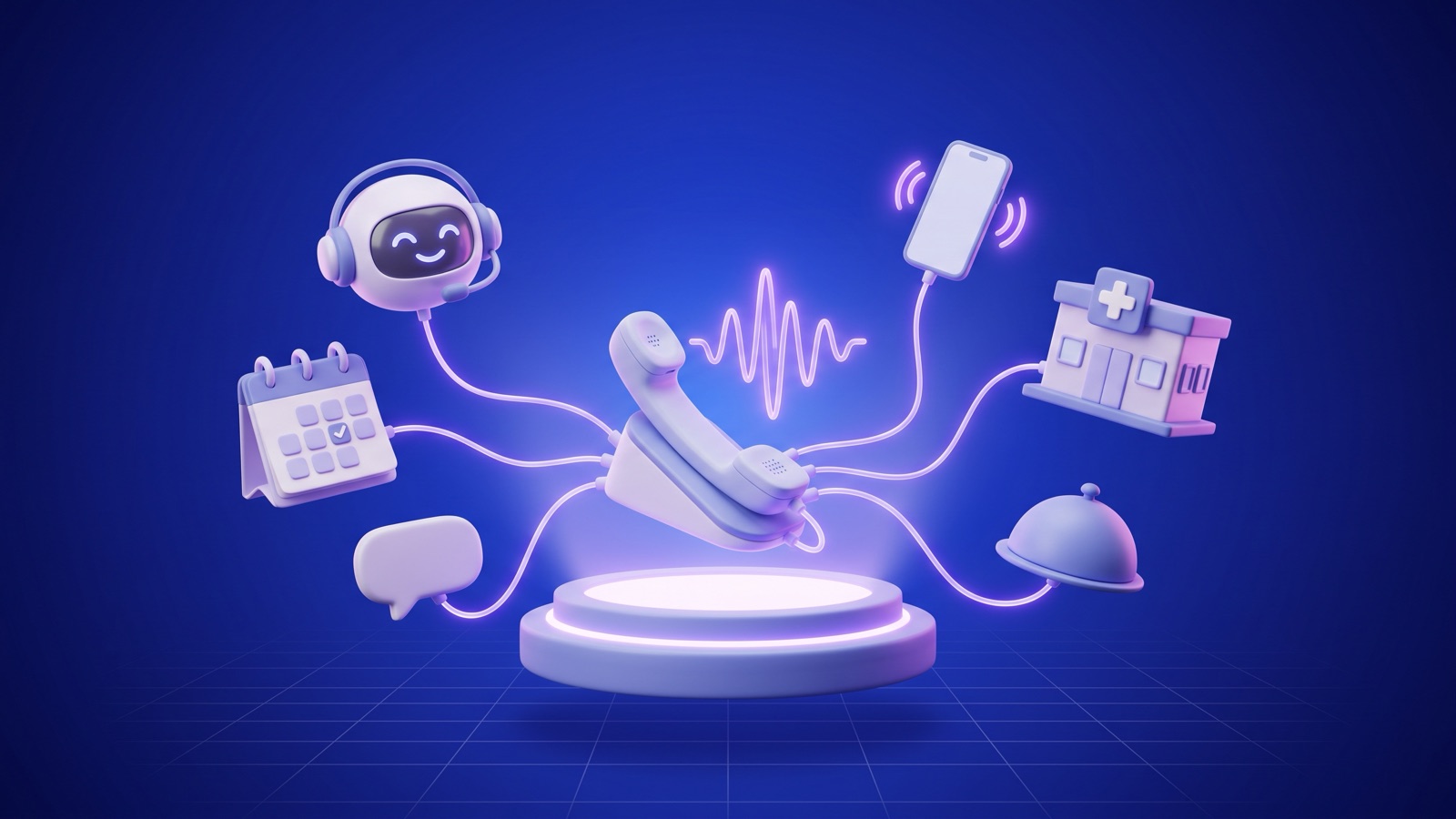
AI receptionists work as a chain of components that runs on every call: your phone number forwards the call to a voice platform, speech-to-text transcribes the caller in real time, a language model decides what to do based on your instructions, tools check or update your calendar, and text-to-speech speaks the reply. Anything it shouldn't handle goes to a person.
-
Your number forwards the call
-
Speech-to-text transcribes
-
The language model decides
-
Tools check and book
-
Text-to-speech replies
What happens on a call, step by step?
Say a patient calls a dental office at 7:40 p.m. to book a cleaning, and an AI receptionist is covering after hours. Here's what happens between the first ring and the confirmation text.
| Stage | What happens | Component |
|---|---|---|
| 1. Connect | The office number forwards the call to the AI's number, or the phone system hands it off over SIP | Carrier forwarding or SIP trunk, voice platform |
| 2. Greet | The receptionist picks up, names the practice and says it's an AI assistant | Prepared greeting, text-to-speech |
| 3. Listen | The caller's words are transcribed as they talk, and the system detects when they're done | Streaming speech-to-text, turn detection |
| 4. Decide | The model reads the transcript, its instructions and the office's information, then picks a move: answer, ask, use a tool or transfer | Large language model |
| 5. Act | It looks up the caller by phone number, finds open cleaning slots, offers two and books the one the caller picks | API calls to the scheduling system |
| 6. Speak | Each reply is turned into audio and streamed back, so the caller hears the start of a sentence quickly | Text-to-speech |
| 7. Wrap up | The transcript, summary and outcome are saved, a confirmation text goes out, and anything unresolved becomes a task | Webhooks to the practice software or CRM, SMS |
The same pipeline handles a reschedule, a question about parking or a caller who wants a person. Only the decision at stage 4 changes. Designing those decisions, and wiring them into your real calendar, is the heart of what we build as an AI phone receptionist for small businesses.
The scene below shows the pipeline in action: listening, recognizing the intent, checking availability, booking and sending the text. Switch it to outbound to see the same components making a reminder call.
Illustrative example Fictional business, people and data. Not a real client, conversation or result.
How does the call reach the AI?
In most setups you keep your current number and forward calls to the AI, so nothing changes for your callers. There are three common patterns:
- Always forward. Every call goes to the AI first, and it either handles the call or transfers it to staff. This is the 24/7 AI receptionist setup.
- Forward on no answer or busy. Your team picks up like they always do, and the AI catches the calls they miss.
- Forward after hours. The AI covers evenings, weekends and lunch only.
Businesses with a hosted PBX or a call center platform can connect the AI over SIP instead, which makes transfers back into the office cleaner. What's possible depends on your carrier and phone system, so we confirm that before writing any code.
How does an AI receptionist understand callers?
Speech-to-text runs while the caller is still talking, so the transcript is ready almost the moment they stop. The harder problem is turn-taking: figuring out whether a pause means the caller is done or just thinking. Jump in too early and the AI interrupts. Wait too long and the line goes dead quiet.
Good voice platforms also handle barge-in. When the caller talks over the AI, it stops and listens, and that's the difference between a conversation and an old phone tree. The cases we always test:
- Names, street addresses and email addresses spelled out loud
- Background noise from a car, a job site or a kitchen
- Callers who switch between English and Spanish
- Numbers of every kind: dates, times, callback numbers, insurance member IDs
How does it decide what to say and do?
The language model gets the conversation so far, a set of instructions and the business information it's allowed to use. The instructions are the receptionist's job description, in writing:
- What it can do: answer these questions, book these appointment types, take messages.
- What it must never do: give medical, legal or pricing advice beyond an approved list; make promises; discuss an account before verifying the caller.
- When to transfer: the caller asks for a person, the call matches an urgent rule, or the AI isn't sure.
- How to talk: short sentences, one question at a time, confirm before acting.
Business information like hours, services, accepted insurance and directions lives in a knowledge base your team can update. A well-built receptionist answers only from that content and says "I'll have someone confirm that for you" when the answer isn't there.
How does an AI receptionist book appointments?
It books by calling your scheduling software's API during the call. That's what separates an AI appointment setter from a message-taker: the appointment shows up where your team already works, the moment the caller hangs up.
The four tool calls behind a booking
-
Step 1
find_customer(phone)Is this an existing patient or customer, and which location do they go to?
-
Step 2
get_availability(type, provider, date_range)Which slots are open for this appointment type and provider?
-
Step 3
create_appointment(customer, slot, type)Runs only after the caller confirms, and only after checking the slot is still open.
-
Step 4
send_confirmation(customer, appointment)A text or email, if the caller agreed to get one.
The step teams skip is checking availability again right before saving. Between offering a slot and confirming it, someone at the front desk may have grabbed it, and one last check prevents a double booking.
If your software doesn't accept outside bookings, the receptionist can still take the request and the caller's preferred times and put it in front of staff the next morning. It's less convenient, but it's honest, and it beats voicemail by a mile.
Why does speed matter so much on the phone?
Every stage adds delay: transcription, the model's reasoning, any tool call and speech synthesis. A pause that feels normal in a chat window feels broken on a phone call, and slow replies give an AI away faster than its voice does.
That's why phone agents use shorter instructions than chat agents, faster models for most turns, and quick filler phrases ("Let me check the schedule") while a calendar lookup runs. It's also why we measure response time from call recordings during testing instead of going by feel.
How does handoff to a human work?
Handoff is the part of the design that protects your business, so we define it before anything else. There are three kinds, and products differ in which ones they support.
| Handoff | How it works | Use it for |
|---|---|---|
| Warm transfer | The AI briefs the person, or puts a summary on their screen, before connecting the caller | Urgent calls, unhappy customers, high-value leads |
| Cold transfer | The call goes straight to a number or extension | Simple routing during business hours |
| Message and callback | The AI takes a structured message (name, number, reason, urgency) and creates a task | After hours, or when nobody's free to take a transfer |
Rules we write for almost every client: anyone who asks for a person gets one, or a firm callback, right away; calls that match the urgent situations you define (a dental emergency, no heat in January, a court deadline) go to a live phone; and when the AI isn't sure, it hands off instead of guessing.
What happens after the call?
After every call, a good AI receptionist leaves a record your team can act on: a transcript (plus a recording, if you turn that on and callers are told), a two-line summary, the outcome (booked, answered, message taken, transferred) and a task for anything that needs a callback.
Those records flow into your CRM, practice management system, email or a daily digest. They're also how the receptionist gets better. Reading a sample of calls every week shows you which questions it handles poorly and which rules need adjusting.
What should you check before deploying one?
Before you switch it on
Healthcare practices have extra questions to ask about recordings, retention and business associate agreements. Our guide to HIPAA and AI voice agents lists them, without pretending to be legal advice.
How does this compare with other options?
An AI receptionist is one way to stop missing calls, not the only way. Our AI receptionist vs answering service comparison covers when people are the better choice, and the AI receptionist cost guide shows how setup and per-minute usage add up. If you need outbound calls or deeper integrations than front desk work, see our custom AI voice agents.
We build voice agents on Retell AI, and the phone demo on our site runs on it. If you want to know how this would work with your phone line and calendar, tell us what you use today and we'll walk you through the setup.