
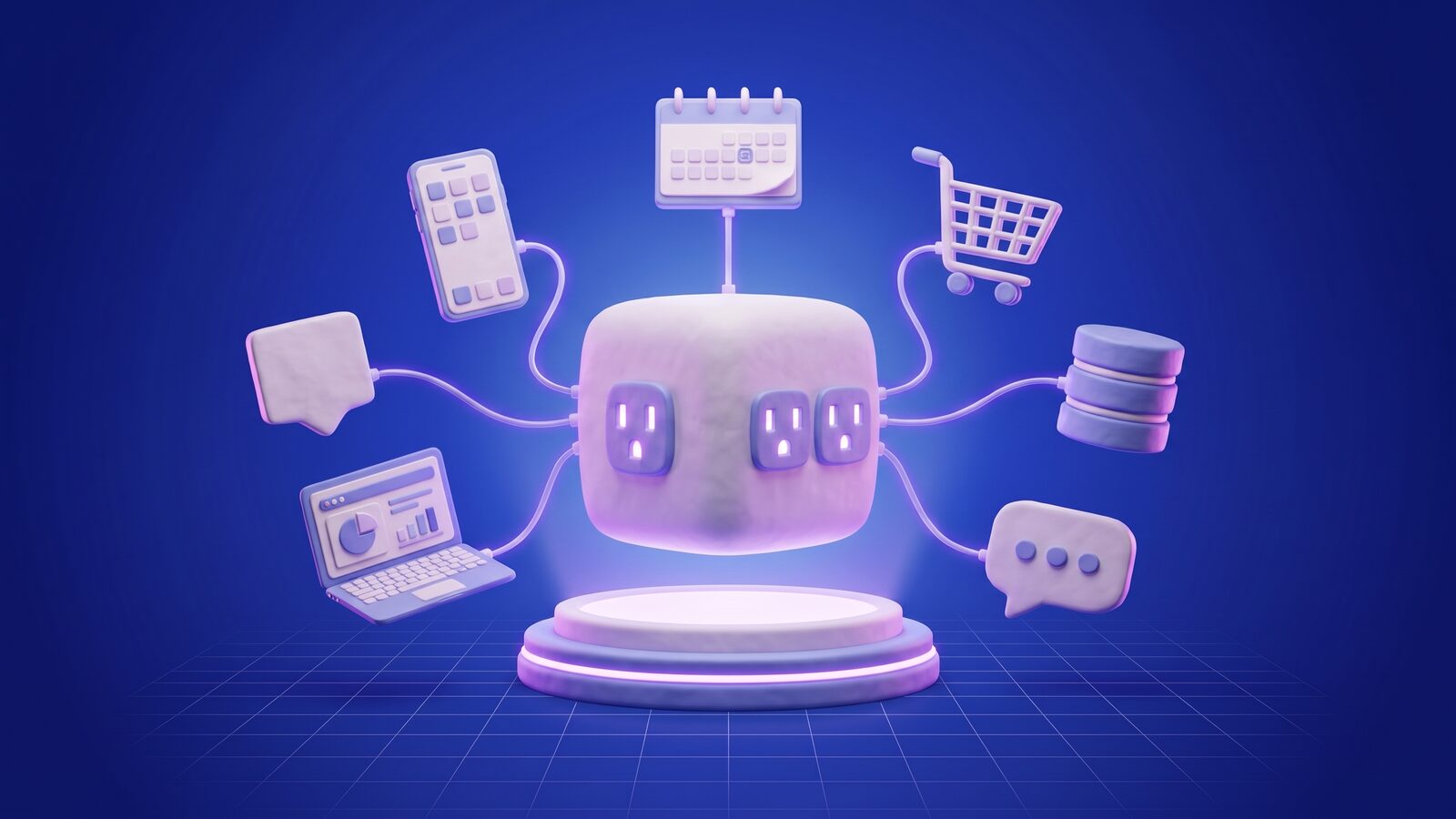
MCP (Model Context Protocol) is an open standard that lets AI applications connect to outside tools and data through one common interface. Anthropic introduced it in November 2024. It means you can build one MCP server for a system, like your CRM, help desk or internal database, and any MCP-compatible assistant or agent can use it, within the permissions that server allows. People often compare it to a USB-C port for AI: one plug shape instead of a custom cable for every pairing.
Why does MCP exist?
Before MCP, hooking an AI assistant up to a business system meant custom code for every pairing: one integration for this assistant and the CRM, another for that assistant and the CRM, and yet another for the ticketing system. Every AI app rebuilt the same plumbing, and every system owner had to support each AI app separately.
MCP turns that many-to-many problem into a one-to-one problem. The system owner builds a single MCP server, and every compatible AI app can connect to it. That’s why it caught on fast with both AI vendors and software companies, and why it now shows up in most AI integration projects we scope.
How does MCP work?
MCP has three roles. Once you understand them, you understand most of the protocol.
-
User asks the AI app (host)
-
MCP client sends the request
-
MCP server checks permissions
-
Server calls your system’s API
-
Result returns to the model
- Host. The AI application the person is using: a desktop assistant, an IDE, a chat interface or your own agent.
- Client. A connector inside the host that keeps one connection open to one MCP server.
- Server. A program that exposes a system’s capabilities in MCP’s format. It can run locally on a computer (talking over standard input/output) or remotely over HTTP.
A server offers three kinds of things:
| Primitive | What it is | Example |
|---|---|---|
| Tools | Actions the model can call | create_invoice, search_tickets, reschedule_appointment |
| Resources | Data the app can read as context | A product catalog, a policy document, a customer record |
| Prompts | Reusable templates the user can choose from | "Summarize this account for a renewal call" |
When the host connects, it asks the server what it offers. The model sees the tool names, descriptions and input schemas, and decides when to call them. The server does the actual work against your systems and sends back the result.
What does an MCP integration look like in practice?
Here’s an illustrative request trace for a fictional outdoor gear store. A help desk ticket asks about an order. The integration layer passes the question and the allowed tools to the model, the order is read with a scoped, read-only key, personal fields are masked, and the draft reply waits for a person to review it.
Illustrative example Fictional business, people and data. Not a real client, conversation or result.
Notice that the model never touches the order database directly. The server decides what it can read, what gets masked and what needs a human, and every call gets logged.
What is an MCP server, and when do you need one?
An MCP server is the adapter that makes one of your systems usable by AI applications through MCP. You need one when AI assistants or agents you don’t fully control should work with your data or take actions. Typical cases:
- Your team uses an AI assistant every day and should be able to query the CRM, the knowledge base or the ticketing system without leaving it.
- You sell software and want your customers’ AI tools to work with your product, the way a lot of SaaS companies now publish MCP servers.
- You’re building several internal agents and want them to share one governed set of tools instead of each one carrying its own integrations.
You probably don’t need MCP when a single app of yours calls one model with a few functions. Plain function calling inside that app is simpler.
How is MCP different from an API and from function calling?
MCP vs a classic API vs function calling
| Criterion | Classic API | Function calling | MCP |
|---|---|---|---|
| Built for | Software calling software | One app giving its model a few functions | Any AI app using a system’s capabilities |
| Discovery | Read the documentation | Defined in that app’s code | The app asks the server what it offers |
| Reuse across AI apps | Each app integrates separately | Rebuilt for each app | Build once, connect many |
| Describes itself to a model | No | Yes, within one app | Yes, with names, descriptions and schemas |
| Typical role | The foundation | Inside a single product | A layer on top of your APIs |
Classic API
- Built for
- Software calling software
- Discovery
- Read the documentation
- Reuse across AI apps
- Each app integrates separately
- Describes itself to a model
- No
- Typical role
- The foundation
Function calling
- Built for
- One app giving its model a few functions
- Discovery
- Defined in that app’s code
- Reuse across AI apps
- Rebuilt for each app
- Describes itself to a model
- Yes, within one app
- Typical role
- Inside a single product
MCP
- Built for
- Any AI app using a system’s capabilities
- Discovery
- The app asks the server what it offers
- Reuse across AI apps
- Build once, connect many
- Describes itself to a model
- Yes, with names, descriptions and schemas
- Typical role
- A layer on top of your APIs
The short version: your APIs are still the foundation, function calling is how a model uses tools inside one application, and MCP is the standard way to offer those tools to any AI application.
What are the security risks of MCP?
These are the controls we build into every server:
MCP server security checklist
Where does MCP fit with RAG and AI agents?
MCP is a connection standard, not a technique, so it works alongside the others instead of competing with them:
- With RAG. A search tool on an MCP server can run retrieval over your documents, so any assistant can answer from your content with citations. See what RAG is for how the retrieval side works.
- With agents. Agents need tools, and MCP gives them a standard way to find and call them. Our guide on how to build an AI agent shows where the tool layer fits.
- With existing software. For older systems, the MCP server becomes a clean, governed layer over APIs that were never designed with AI in mind. Read how to integrate AI into existing software for the wider set of options.
If you sell software and want your product to work inside your customers’ AI tools, an MCP server is more and more often part of the product itself, and that’s where our AI SaaS development work comes in. Planning to connect your own systems to AI? Tell us which systems and what the AI should do, and we’ll tell you whether MCP, plain function calling or a direct integration fits best.
